 ShopMaz
Dukaan ka har kaam, ab ek app mein.
Products, sales, barcode scanning aur credit, sab ek jagah.
Download appAndroid 7.0 and up
Or open ShopMaz in your browserHow to install on Android
- Tap Download app. If your phone asks, allow the download.
- Open ShopMaz.apk from your notifications or Downloads.
- If asked, allow Install unknown apps for your browser, then tap Install.
Your phone may warn that this type of file can be harmful. That message appears for every app installed outside Google Play. ShopMaz needs no special permissions to install.
How to install on iPhone
- Open this page in Safari.
- Tap the Share button, then Add to Home Screen.
- Open ShopMaz from your home screen.
On a computer?
ShopMaz runs as an app. Open this page on your Android phone and tap Download app.
Take a look inside
Everything ShopMaz does, one screen at a time.
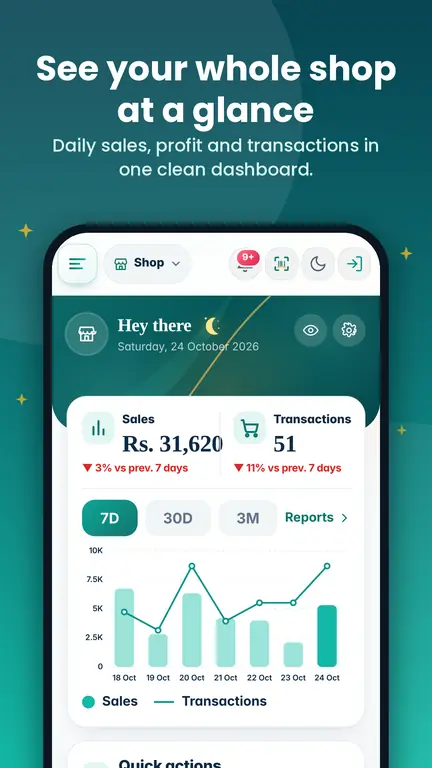
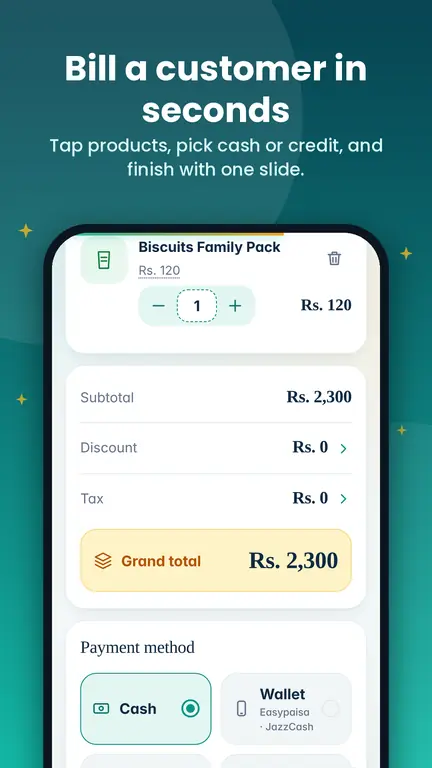
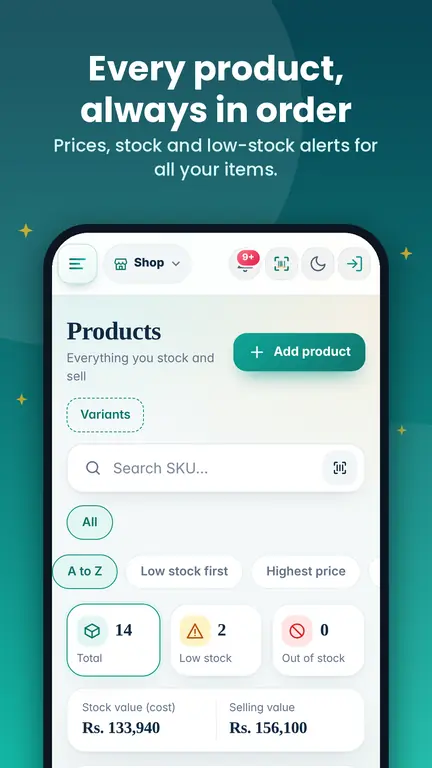
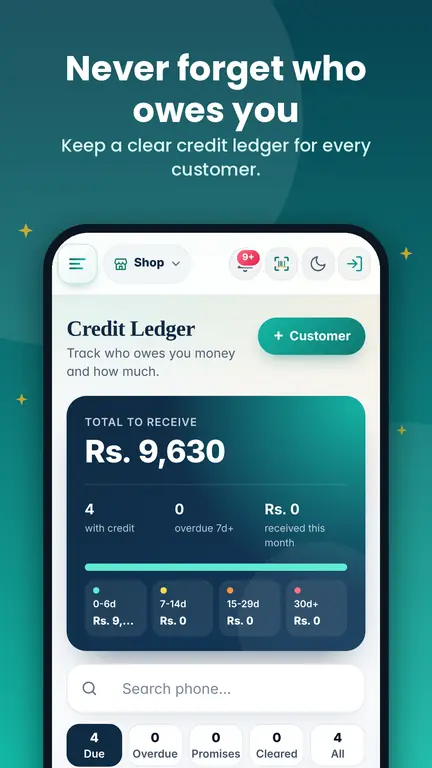
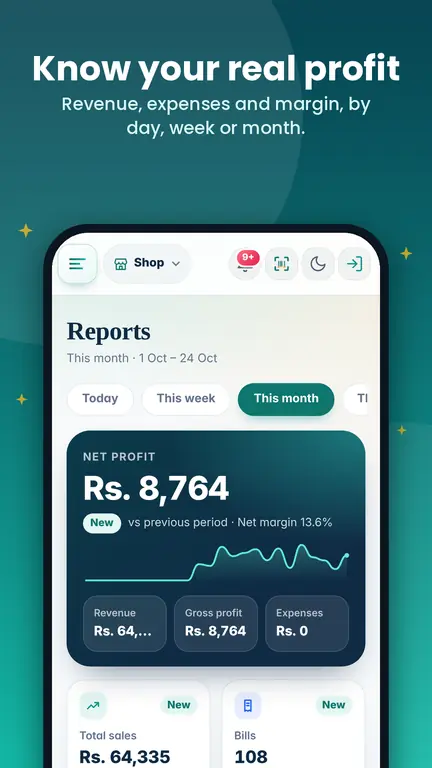
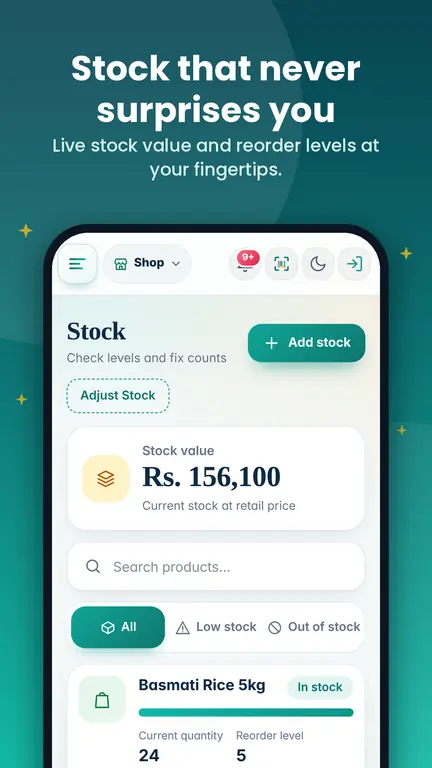
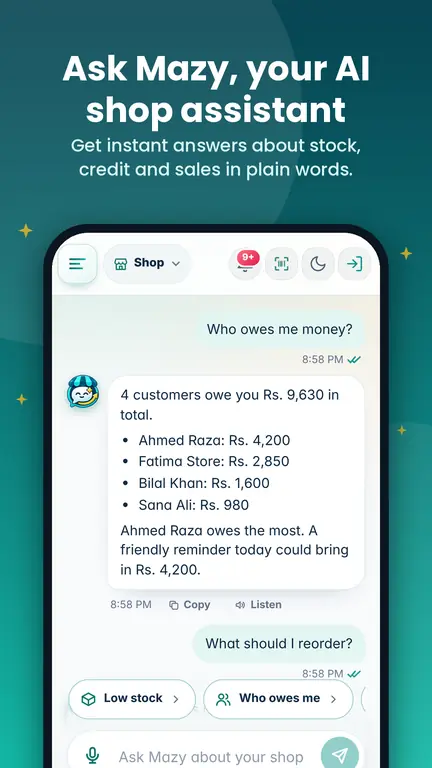
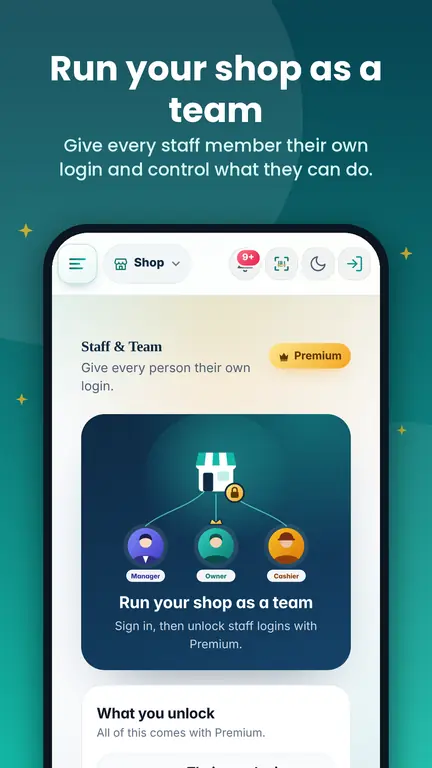
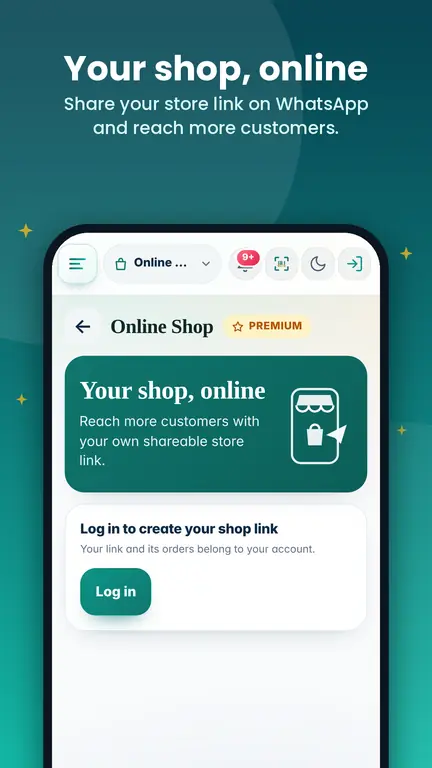
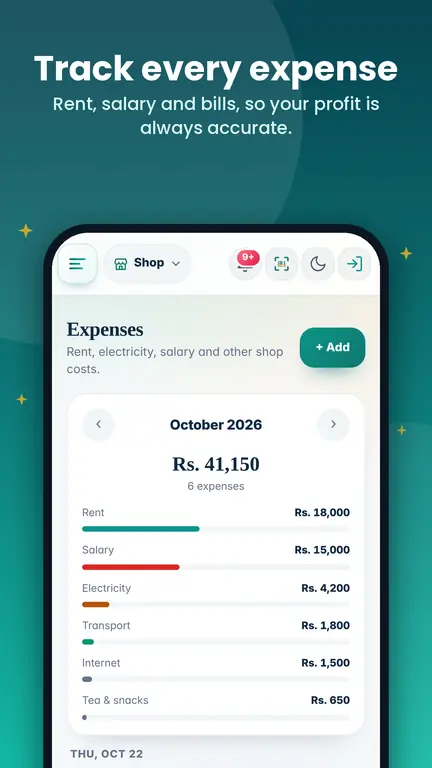
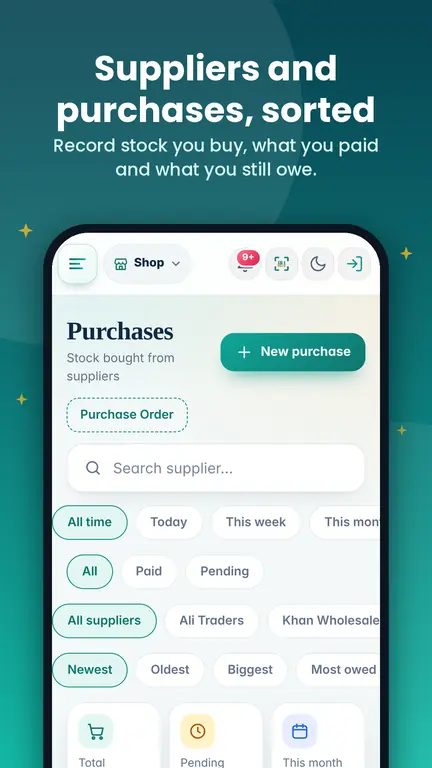
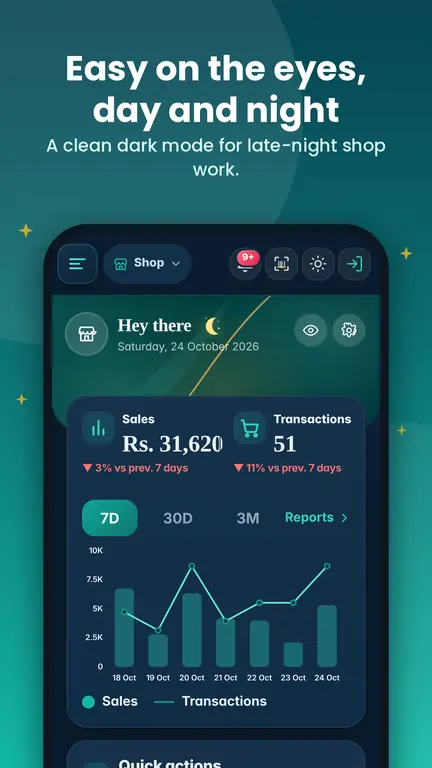
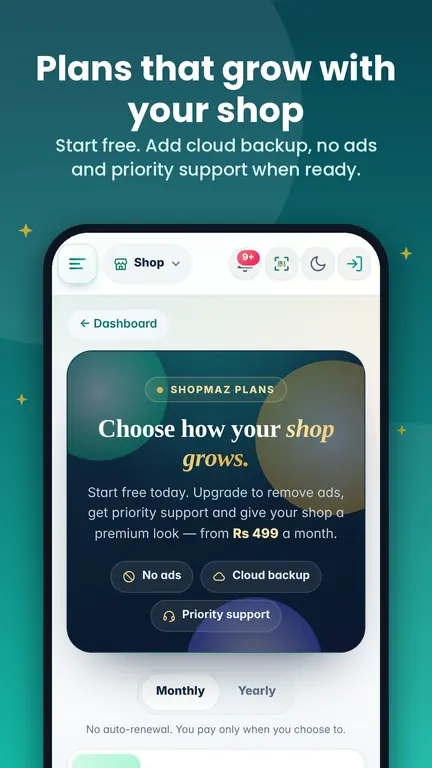
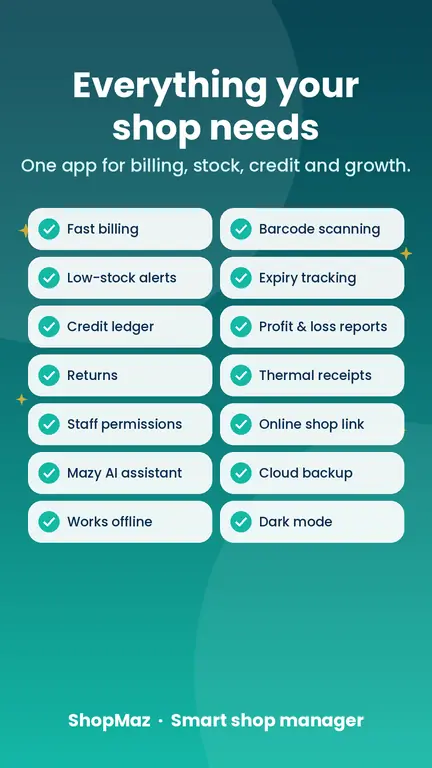
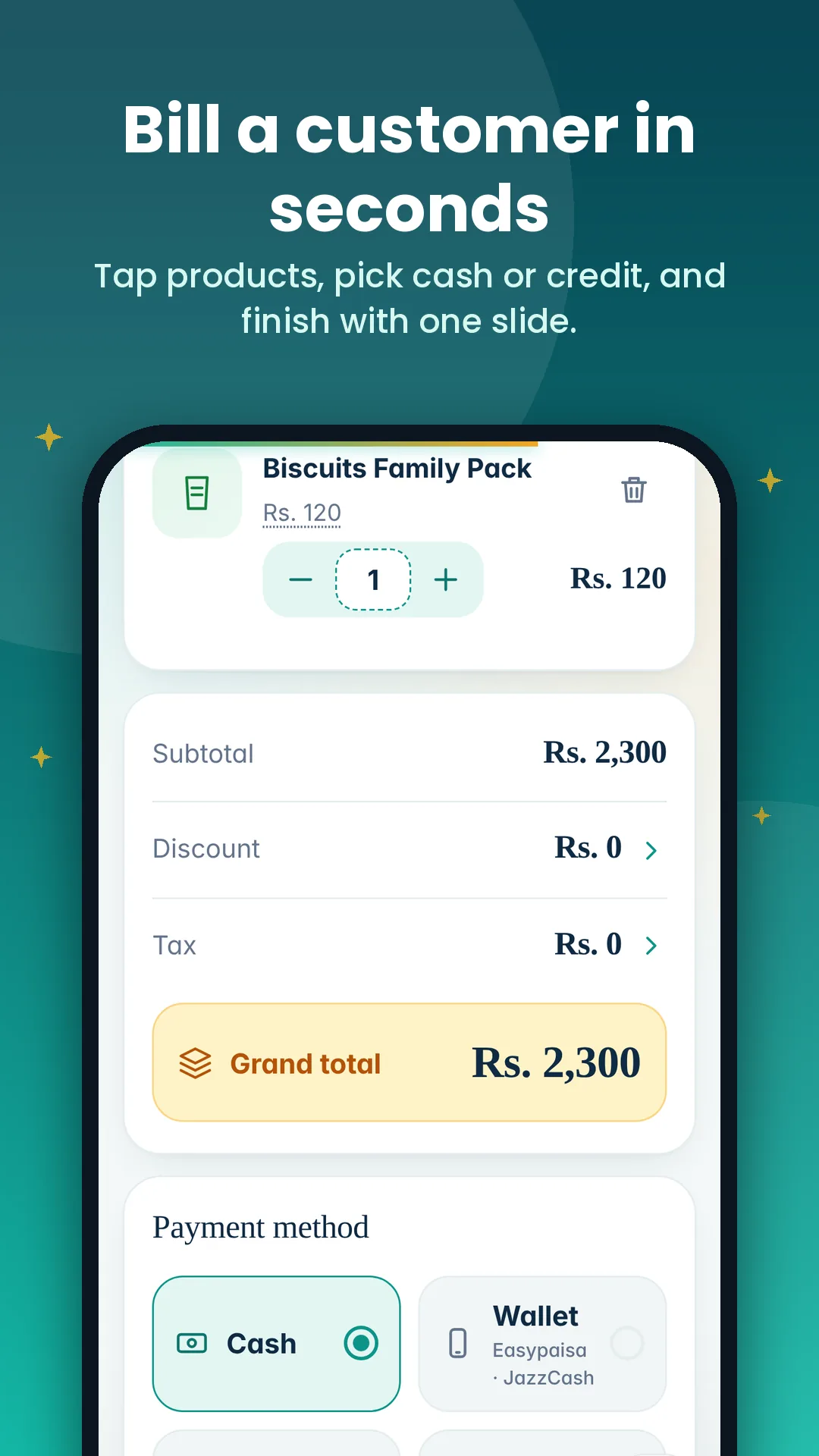
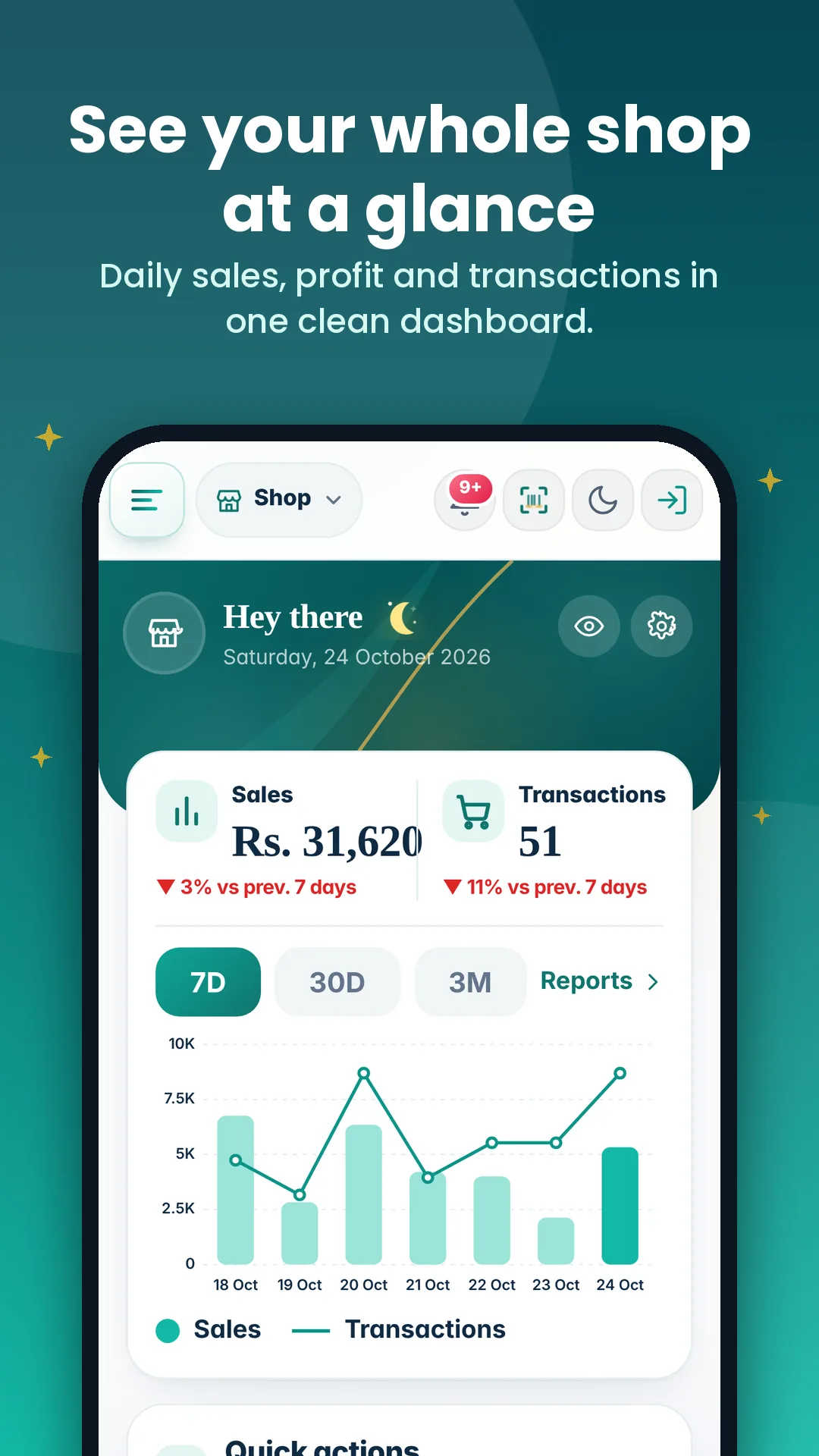
See it in action
Real screens from the app.
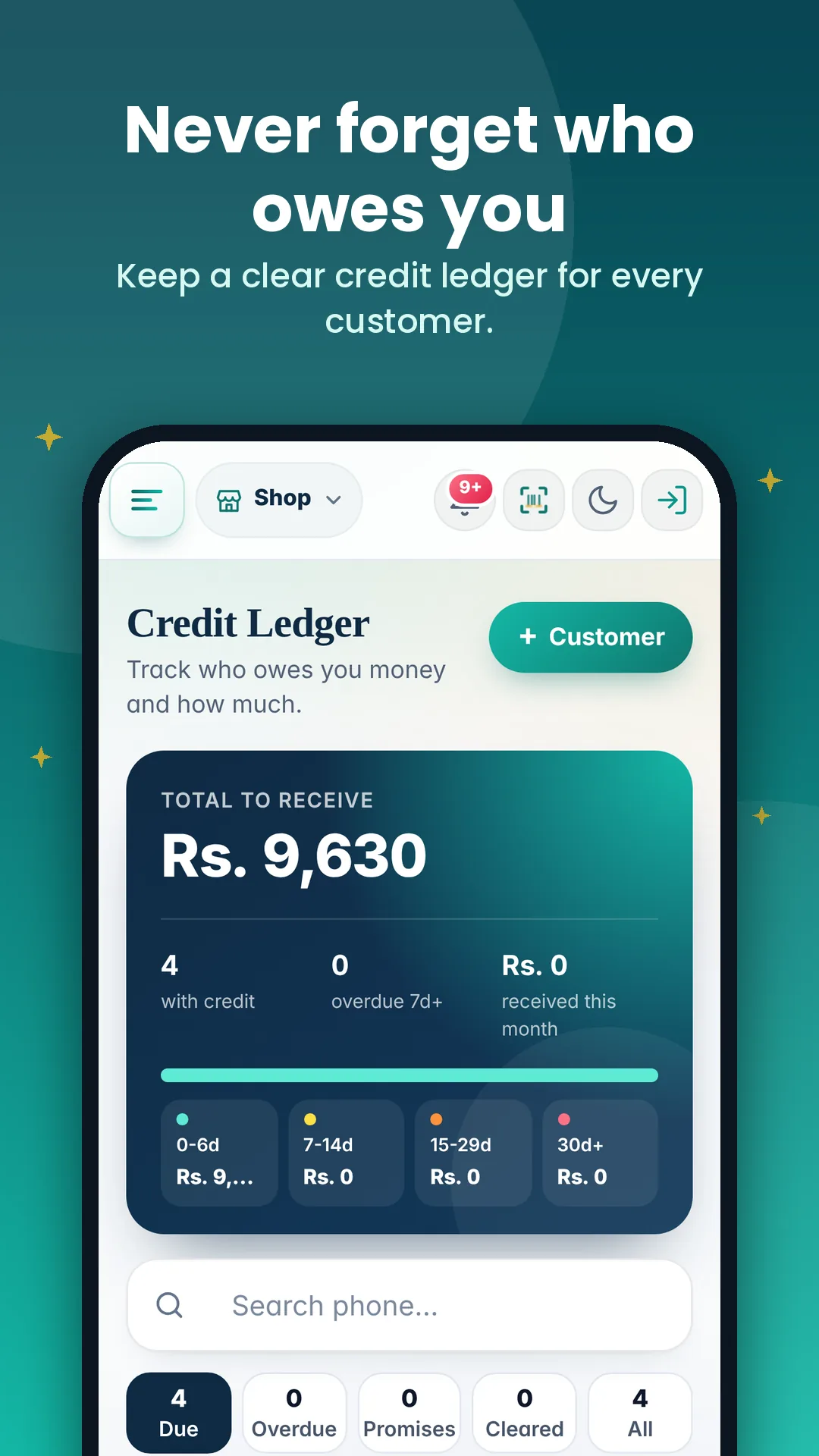
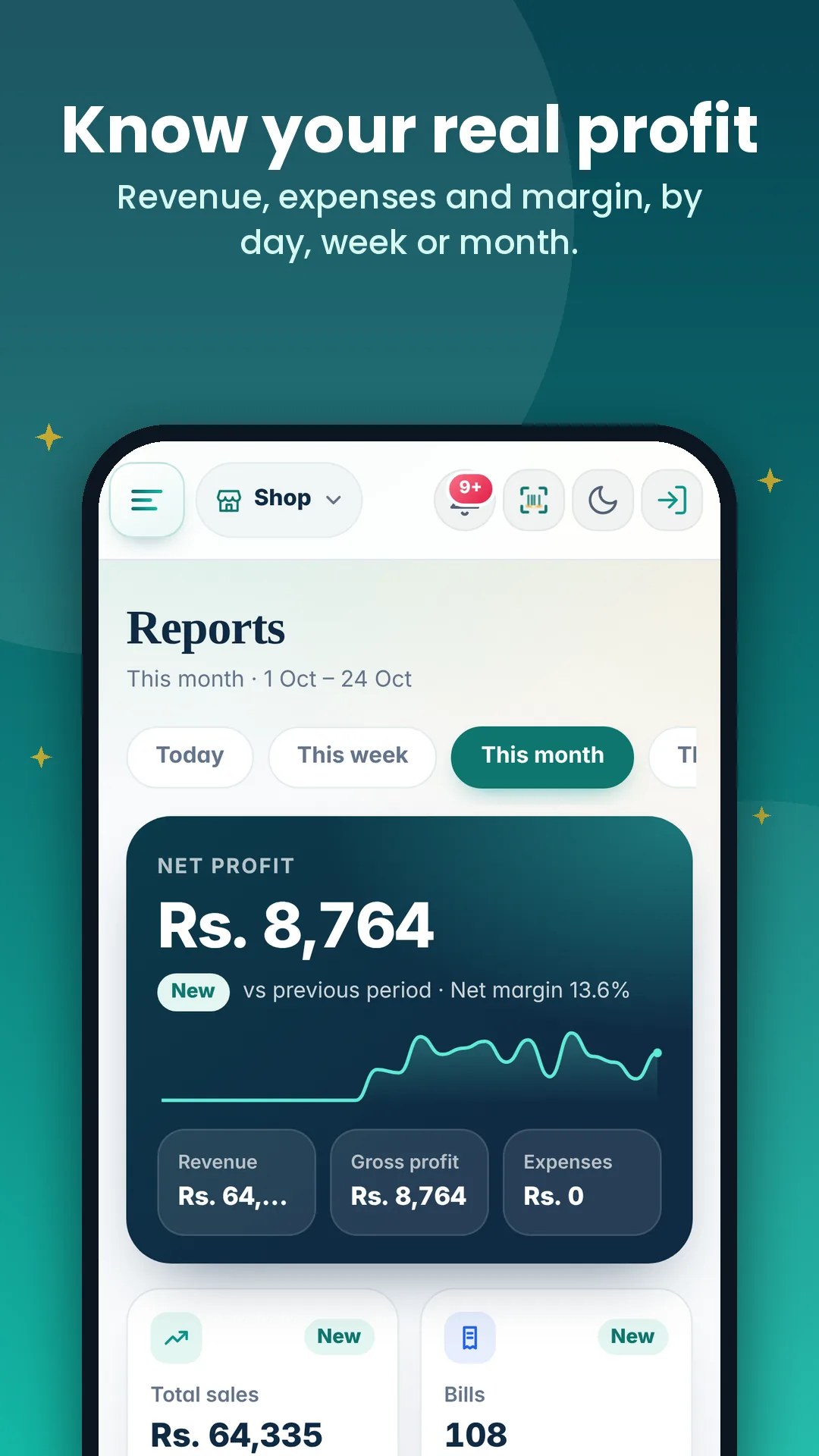
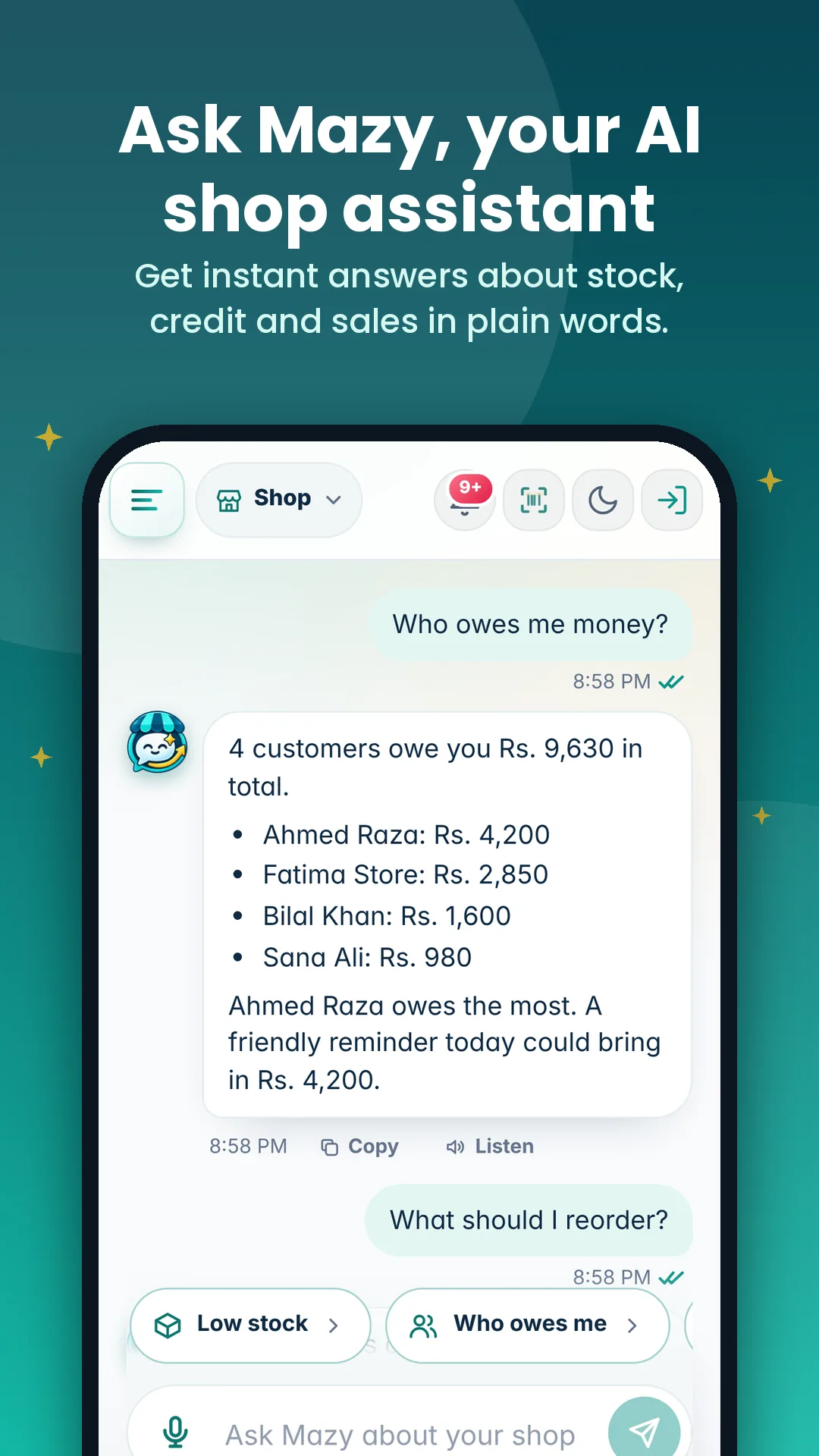
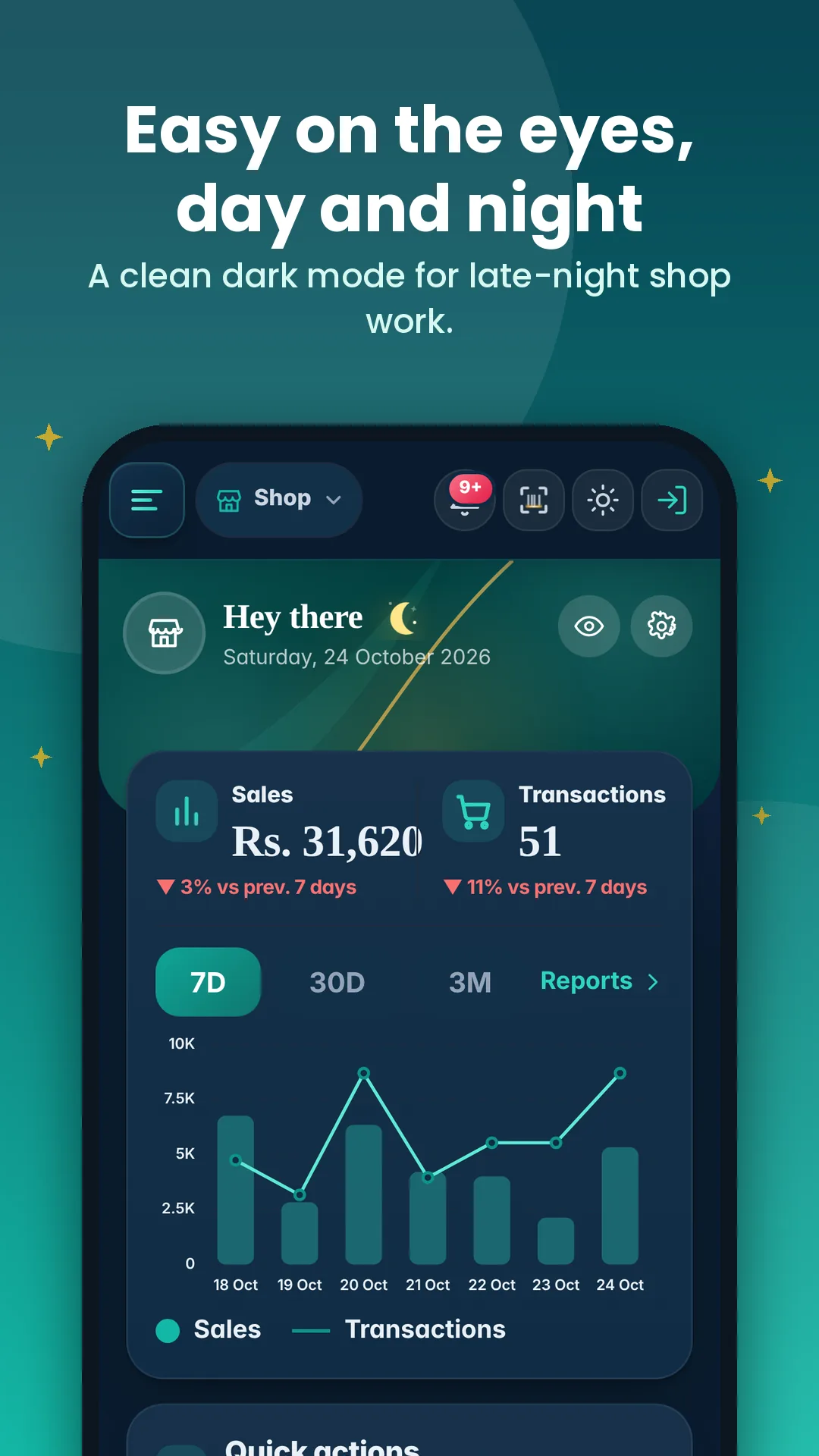
Everything your shop needs
Built for daily work at the counter.
About this app
What you are downloading.
What is new
Latest changes in the app.
Questions
Quick answers before you install.
Why does my phone say the file may be harmful?
Android shows this for every app installed outside Google Play. ShopMaz needs no special permissions to install.
Does it work without internet?
Yes. You can keep selling offline, and everything syncs when the internet returns.
How do I update to a new version?
Download the latest version from this page and install it over the old app. Your shop data is kept. The version shown on this page is always the newest app version.
Is my data safe when I update?
Yes. Installing over the old app keeps your data. If you are signed in, it is also saved to your account.
Can I use ShopMaz without installing?
Yes. Open ShopMaz in your browser from the link at the top of this page. It works on a computer too.
I have an iPhone. What do I do?
Open this page in Safari, tap Share, then Add to Home Screen.